That worked! I just unzipped it clicked OVERSEER.EXE and it works like a charm in the options it was already set to hardware. Thanks a lot, I was beginning to wonder if I’d be able to play TM. :) ………………. And Jerry Dan I was wondering; it’s unimportant since I got TM to work, but wher...
September 08, 2007 • 11:08 pm
by G.A.Pster
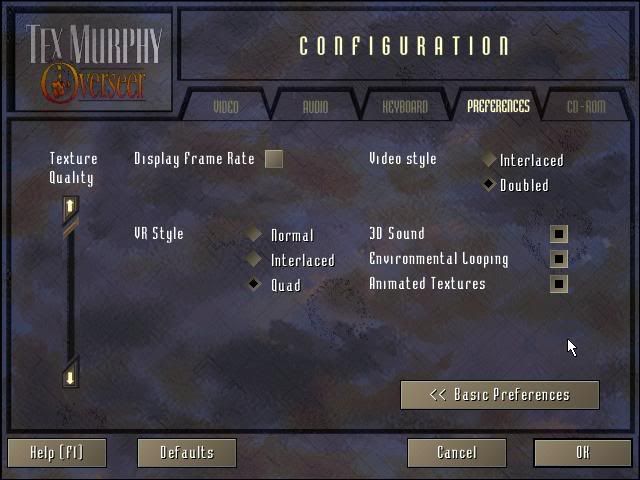
I don’t seem to have that option.  (see pic)
http://img.photobucket.com/albums/v321/ ... TXmenu.jpg
(see pic)http://img.photobucket.com/albums/v321/ ... TXmenu.jpg
September 07, 2007 • 10:42 pm
by G.A.Pster
Mine was set at 0 I tried 1 and –1, neither worked, it did the same thing only now it froze too. 
any other ideas?
any other ideas?
September 06, 2007 • 11:23 pm
by G.A.Pster
September 05, 2007 • 10:44 pm
by G.A.Pster
Problems with TM: overseer. mouse trails
Version: CD OS: XP home. It installed fine, and the start up menu and cinematics work fine but in the “VR environment†when I move the mouse around it leaves cursor trails that don’t go away, the same with the in-game menu. (see pic, the blue thing is my busy mouse cursor, it didn't show up in...
September 05, 2007 • 10:24 pm
by G.A.Pster